Buy reparieren.eu ?
We are moving the project
reparieren.eu .
Are you interested in purchasing the domain
reparieren.eu ?
domain@kv-gmbh.de · 0541-91531010
Buy reparieren.eu ?
How can one repair GTA V?
To repair GTA V, you can try verifying the game files through the game launcher or platform you are using. This will help identify and replace any corrupted or missing files. You can also try updating your graphics drivers and ensuring your system meets the game's minimum requirements. If the issue persists, you may need to reinstall the game completely. Additionally, checking for any available patches or updates for the game can also help resolve any issues. **
How can one repair GTA 5?
To repair GTA 5, you can try the following steps: 1. Verify the game files through the game launcher or platform (such as Steam or Epic Games Store) to ensure that all game files are intact and not corrupted. 2. Update your graphics card drivers to the latest version to ensure compatibility and optimal performance. 3. If you are experiencing crashes or performance issues, try lowering the graphics settings in the game to reduce strain on your system. 4. If the issue persists, you can try reinstalling the game to ensure a clean installation and resolve any potential issues with the game files. **

Similar search terms for Gta
Top-Angebote
Products related to Gta:
-
Rockstar Games GTA 6 – Grand Theft Auto VI for Xbox Series X S EU Digital Code - StandardGrand Theft Auto VI. Base game – Standard Edition. EU digital code for Xbox Series X S. The code is delivered manually by email after payment verification. No physical shipment. Coupons and discount codes are excluded.61,60 £*Shipping: 0,00 £Secure redirect to the provider
-
Rockstar Games GTA 6 – Grand Theft Auto VI for Xbox Series X S EU Digital Code - UltimateGrand Theft Auto VI. Base game + Ultimate Edition content. EU digital code for Xbox Series X S. The code is delivered manually by email after payment verification. No physical shipment. Coupons and discount codes are excluded.79,20 £*Shipping: 0,00 £Secure redirect to the provider
-
Uplift Essentials Oil Change Maintenance Service Reminder Stickers Oil Change Maintenance Service Reminder StickersNever miss a crucial vehicle checkup, filter replacement, or mileage milestone again with these professional oil change reminder stickers. Designed specifically for clear windshield application, these lowtack static cling labels allow mechanics,...37,97 $*Shipping: 0,00 $Secure redirect to the provider
-
Inspire Daily Merch Car Headlight Restoration Polish Liquid Polymer Auto Headlight Renovation Repair Kit toolbox KitRestore Your Car Headlights Like New The Car Headlight Restoration Polish Kit 800ML is your perfect solution. This easytouse liquid polymer formula is specifically designed to restore your car headlights to their original condition, removing haze,...169,97 $*Shipping: 0,00 $Secure redirect to the provider


-
What are maintenance works on the GTA websites?
Maintenance works on the GTA websites refer to the regular updates, repairs, and improvements that are carried out to ensure the smooth functioning and security of the websites. This can include tasks such as fixing bugs, updating software, optimizing performance, and implementing security measures to protect against cyber threats. Maintenance works are essential to keep the websites running efficiently and to provide a positive user experience for visitors. **
-
How does GTA secure the service?
GTA secures its service through a combination of measures including encryption, secure data storage, and regular security audits. They use industry-standard encryption to protect customer data and ensure that it is stored securely. Additionally, GTA conducts regular security audits and updates to ensure that their systems are protected against potential threats. By implementing these measures, GTA is able to provide a secure and reliable service to its customers. **
-
How do I repair my GTA V?
To repair your GTA V game, you can try a few troubleshooting steps. First, make sure your game is updated to the latest version. Then, verify the game files through the game launcher or platform (such as Steam or Rockstar Games Launcher) to ensure that all game files are intact and not corrupted. If you are experiencing specific issues, you can also search for solutions on forums or support websites for GTA V. If all else fails, you may need to uninstall and reinstall the game to fix any persistent issues. **
-
Why is the Bawsaq closed for maintenance in GTA V?
The Bawsaq stock exchange in GTA V is closed for maintenance to simulate real-world market conditions. This allows the game developers to update and adjust the stock prices, as well as make any necessary changes to the system. By periodically closing the Bawsaq for maintenance, the game can provide a more dynamic and realistic stock trading experience for players. Additionally, it prevents any potential exploits or glitches that could affect the in-game economy. **


Which provider offers a GTA 5 Unlockall service?
There are several providers that offer GTA 5 Unlockall services, but one popular option is GTABoosting. They offer a variety of packages that include unlocked levels, money, and items for GTA 5 online. Customers can choose the package that best suits their needs and have their account boosted quickly and securely. It's important to research and choose a reputable provider to ensure a safe and reliable service. **
How can I fix the shifted image in GTA?
To fix a shifted image in GTA, you can try adjusting the display settings in the game's options menu. Look for options related to screen resolution, aspect ratio, and display mode, and try different settings to see if it corrects the shifted image. Additionally, you can try updating your graphics drivers and adjusting the display settings on your computer to ensure they are compatible with the game. If the issue persists, you may need to seek help from the game's support team or community forums for further troubleshooting. **
Top-Angebote
Products related to Gta:
-
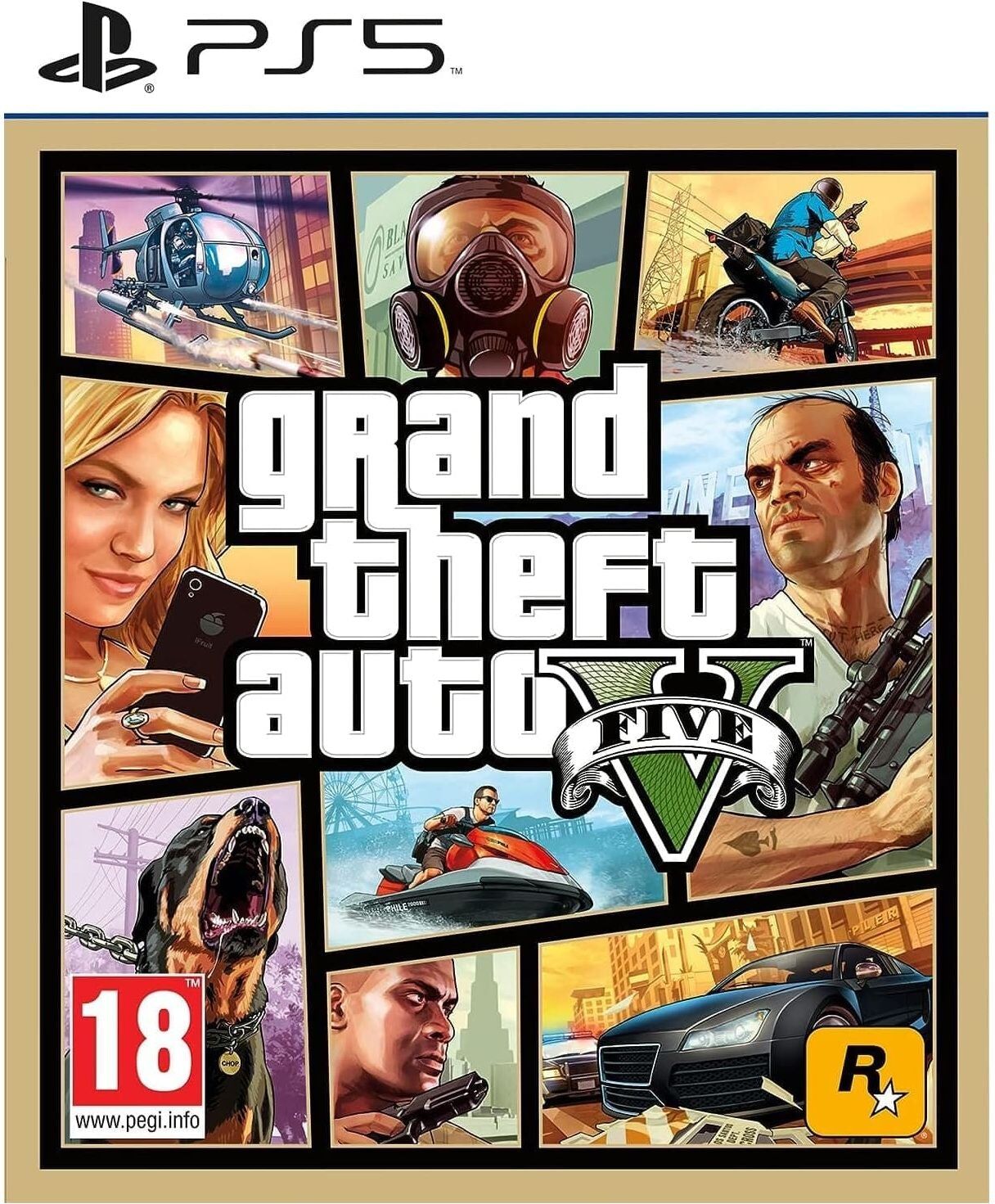
Gadcet Chadwell Heath Grand Theft Auto V (GTA 5) - PS5 Game, NewOverview Grand Theft Auto V (GTA 5) for PS5 offers an expansive open-world experience with enhanced graphics and performance. Dive into the criminal underworld of Los Santos with immersive gameplay, a gripping storyline, and endless multiplayer possibilities. Key Features Optimised for PS5 with improved visuals and faster load times Open-world action-adventure with rich storytelling Play as three distinct protagonists with intertwined stories Extensive multiplayer mode with GTA Online Dynamic world with countless activities, missions, and challenges Supports DualSense controller features for immersive gameplay Product Description Experience the thrill of Grand Theft Auto V on the PlayStation 5, where the sprawling city of Los Santos comes to life like never before. With enhanced graphics and quicker load times, players can fully immerse themselves in a deep storyline featuring three unique characters. Explore a vibrant open world packed with activities ranging from high-stakes heists to casual side missions. GTA Online offers endless multiplayer fun, allowing you to team up or compete with friends. Leveraging the PS5’s DualSense controller, GTA 5 delivers an engaging and immersive gaming experience for both new and returning players.35,00 £*Shipping: 0,00 £Secure redirect to the provider
-
Rockstar Games GTA 6 – Grand Theft Auto VI for PS5 EU Digital Code - StandardGrand Theft Auto VI. Base game – Standard Edition. EU digital code for PlayStation 5. The code is delivered manually by email after payment verification. No physical shipment. Coupons and discount codes are excluded.70,39 £*Shipping: 0,00 £Secure redirect to the provider
-
Rockstar Games GTA 6 – Grand Theft Auto VI for Xbox Series X S EU Digital Code - StandardGrand Theft Auto VI. Base game – Standard Edition. EU digital code for Xbox Series X S. The code is delivered manually by email after payment verification. No physical shipment. Coupons and discount codes are excluded.61,60 £*Shipping: 0,00 £Secure redirect to the provider
-
Rockstar Games GTA 6 – Grand Theft Auto VI for Xbox Series X S EU Digital Code - UltimateGrand Theft Auto VI. Base game + Ultimate Edition content. EU digital code for Xbox Series X S. The code is delivered manually by email after payment verification. No physical shipment. Coupons and discount codes are excluded.79,20 £*Shipping: 0,00 £Secure redirect to the provider
-
How can one repair GTA V?
To repair GTA V, you can try verifying the game files through the game launcher or platform you are using. This will help identify and replace any corrupted or missing files. You can also try updating your graphics drivers and ensuring your system meets the game's minimum requirements. If the issue persists, you may need to reinstall the game completely. Additionally, checking for any available patches or updates for the game can also help resolve any issues. **
-
How can one repair GTA 5?
To repair GTA 5, you can try the following steps: 1. Verify the game files through the game launcher or platform (such as Steam or Epic Games Store) to ensure that all game files are intact and not corrupted. 2. Update your graphics card drivers to the latest version to ensure compatibility and optimal performance. 3. If you are experiencing crashes or performance issues, try lowering the graphics settings in the game to reduce strain on your system. 4. If the issue persists, you can try reinstalling the game to ensure a clean installation and resolve any potential issues with the game files. **
-
What are maintenance works on the GTA websites?
Maintenance works on the GTA websites refer to the regular updates, repairs, and improvements that are carried out to ensure the smooth functioning and security of the websites. This can include tasks such as fixing bugs, updating software, optimizing performance, and implementing security measures to protect against cyber threats. Maintenance works are essential to keep the websites running efficiently and to provide a positive user experience for visitors. **
-
How does GTA secure the service?
GTA secures its service through a combination of measures including encryption, secure data storage, and regular security audits. They use industry-standard encryption to protect customer data and ensure that it is stored securely. Additionally, GTA conducts regular security audits and updates to ensure that their systems are protected against potential threats. By implementing these measures, GTA is able to provide a secure and reliable service to its customers. **
Similar search terms for Gta
-
Uplift Essentials Oil Change Maintenance Service Reminder Stickers Oil Change Maintenance Service Reminder StickersNever miss a crucial vehicle checkup, filter replacement, or mileage milestone again with these professional oil change reminder stickers. Designed specifically for clear windshield application, these lowtack static cling labels allow mechanics,...37,97 $*Shipping: 0,00 $Secure redirect to the provider
-
Inspire Daily Merch Car Headlight Restoration Polish Liquid Polymer Auto Headlight Renovation Repair Kit toolbox KitRestore Your Car Headlights Like New The Car Headlight Restoration Polish Kit 800ML is your perfect solution. This easytouse liquid polymer formula is specifically designed to restore your car headlights to their original condition, removing haze,...169,97 $*Shipping: 0,00 $Secure redirect to the provider
-
Drop Dash Deals Vehicle Maintenance Ramp For Car Service And Oil Changing Vehicle Maintenance Ramp For Car Service And Oil ChangingEffortlessly lift your vehicle with our 2Piece Vehicle Maintenance Ramp, designed for car service and oil changing. Built to support up to 8800 lbs, these durable ramps ensure a safe, stable lift, making them ideal for athome mechanics or...74,97 $*Shipping: 0,00 $Secure redirect to the provider
-
All Categories Goods Fix It Sticks Maintenance Compact All In One Torque Driver Kit FISMUTK Fix It Sticks Maintenance Compact All In One Torque Driver Kit FISMUTKUnlock precision and convenience with the Fix It Sticks Maintenance Compact 19pc AllinOne Torque Driver Kit. Designed for professionals and hobbyists alike, this versatile kit provides the tools needed for field repairs and routine maintenance,...309,97 $*Shipping: 0,00 $Secure redirect to the provider
-
How do I repair my GTA V?
To repair your GTA V game, you can try a few troubleshooting steps. First, make sure your game is updated to the latest version. Then, verify the game files through the game launcher or platform (such as Steam or Rockstar Games Launcher) to ensure that all game files are intact and not corrupted. If you are experiencing specific issues, you can also search for solutions on forums or support websites for GTA V. If all else fails, you may need to uninstall and reinstall the game to fix any persistent issues. **
-
Why is the Bawsaq closed for maintenance in GTA V?
The Bawsaq stock exchange in GTA V is closed for maintenance to simulate real-world market conditions. This allows the game developers to update and adjust the stock prices, as well as make any necessary changes to the system. By periodically closing the Bawsaq for maintenance, the game can provide a more dynamic and realistic stock trading experience for players. Additionally, it prevents any potential exploits or glitches that could affect the in-game economy. **
-
Which provider offers a GTA 5 Unlockall service?
There are several providers that offer GTA 5 Unlockall services, but one popular option is GTABoosting. They offer a variety of packages that include unlocked levels, money, and items for GTA 5 online. Customers can choose the package that best suits their needs and have their account boosted quickly and securely. It's important to research and choose a reputable provider to ensure a safe and reliable service. **
-
How can I fix the shifted image in GTA?
To fix a shifted image in GTA, you can try adjusting the display settings in the game's options menu. Look for options related to screen resolution, aspect ratio, and display mode, and try different settings to see if it corrects the shifted image. Additionally, you can try updating your graphics drivers and adjusting the display settings on your computer to ensure they are compatible with the game. If the issue persists, you may need to seek help from the game's support team or community forums for further troubleshooting. **
* All prices are inclusive of VAT and, if applicable, plus shipping costs. The offer information is based on the details provided by the respective shop and is updated through automated processes. Real-time updates do not occur, so deviations can occur in individual cases. ** Note: Parts of this content were created by AI.